There is a version of this post that walks you through a step-by-step CRM setup guide. A numbered list. A checklist at the end. Something you can print out and hand to your sales coordinator on Monday morning.
This is not that post.
Not because those things are not useful. But because the honest answer is that there is no single right way to set up a CRM for senior living. What works for one community, one team, one operator, is not automatically what works for another. The size of the organization matters. The platform matters. The way your sales team actually works matters.
What this post is about is the thinking behind the setup. The decisions that tend to get skipped. The habits that quietly drain good leads out of the system. And the alignment between sales and marketing that determines whether any of it actually works.
A lot of what is here came from being inside these systems up close. From helping build integrations. From setting up CRMs from scratch for communities that had never had a real one. From sitting inside the migration process when a community moves from one platform to another and watching what gets carried over, what gets lost, and what nobody thought to ask about until it was already gone. That vantage point changes how the gaps look. They stop being abstract and start being very specific.
The CRM Landscape in Senior Living
Before getting into how to use a CRM well, it helps to understand what is actually available and what each platform is designed to do.
The senior living space has more purpose-built options than most industries. That is a good thing. But it also means there is a real difference between platforms, and choosing one without understanding those differences creates problems down the road.
Sherpa built its reputation around prospect-centered selling. It is less of a data management tool and more of a methodology platform, designed to keep the sales team focused on relationship over transaction. Every interaction gets logged in a single contact record. The reminders, the notes, the follow-up cadence, all of it is built around the idea that this sale takes time and that the relationship is the product. Worth noting: Sherpa has since merged with Glennis and Enquire to form Aline, which is now positioning itself as a broader operating system for senior living.
WelcomeHome is one of the cleanest purpose-built CRMs in the space. It was designed exclusively for senior living, which means the workflows, the terminology, and the lead management logic reflect how communities actually operate rather than how a generic sales CRM assumes they operate. Its open API makes it one of the more integration-friendly options, connecting to marketing platforms, EHR systems, accounting software, and building management tools without a significant lift.
Aline (the platform formed from the merger of Sherpa, Glennis, and Enquire) is positioning itself as an end-to-end operating system. It spans sales, clinical, and operations under one roof. For operators who want everything connected in a single ecosystem, it is worth evaluating seriously. The trade-off, as with any all-in-one platform, is that the depth in any one area may not match a best-in-class standalone tool.
ALIS (Assisted Living Integrated Solution) by Medtelligent sits more on the clinical and compliance side but includes family engagement and communication tools that overlap with CRM functionality. If compliance tracking and eMAR are central concerns alongside lead management, ALIS is worth understanding.
PointClickCare (PCC) is widely used in skilled nursing and post-acute care. Its CRM and marketing module is more limited than the dedicated sales platforms, but for operators already deep in the PCC ecosystem, the integration value can outweigh the feature gaps.
Yardi Senior CRM is part of the broader Yardi property management suite. If a community is already on Yardi for financials and property management, the CRM module becomes a more natural extension. The integration is the strength here, not necessarily the standalone CRM functionality.
Enquire (now part of Aline) was built specifically for senior housing and post-acute care. It offered deep customization around workflows, terminology, and sales processes, which made it popular with operators who had specific needs that generic platforms could not accommodate.
Eldermark, Advantage Anywhere, RealPage SPM, and Continuum CRM round out the field with varying degrees of senior living specificity and integration depth.
For operators not using a purpose-built platform, HubSpot remains the most capable general CRM in the space. It requires more configuration to reflect senior living workflows, but its marketing automation, reporting, and integration capabilities are genuinely strong. For communities that are running serious email and paid media programs alongside their CRM, HubSpot’s ability to connect those systems cleanly is hard to match.
Integrations Are Where Systems Live or Die
The CRM does not exist in isolation. It sits inside a broader stack that includes the website, the marketing automation platform, paid media channels, chatbots, and in many cases clinical or property management software.
How well those systems talk to each other determines how useful any individual piece of the stack actually is.
ActiveDEMAND has built direct integrations with several senior living CRMs including WelcomeHome, ALIS, and Yardi. For communities running marketing automation alongside their CRM, ActiveDEMAND is one of the few platforms designed specifically to bridge that gap in a senior living context.
Talk Further integrates with multiple CRM platforms to pass conversation data, lead information, and engagement history back into the system of record. When it works well, a sales counselor can open a contact record and see not just the form fill but the chat history, the questions that were asked, and the context that came before the first phone call. That is genuinely useful.
HubSpot integrates with most of the major senior living CRMs through either native connectors or Zapier. The depth of those integrations varies. Some pass data in real time. Some sync on a delay. Some only push data in one direction. Understanding what actually moves between systems, and when, is worth testing before assuming everything is connected.
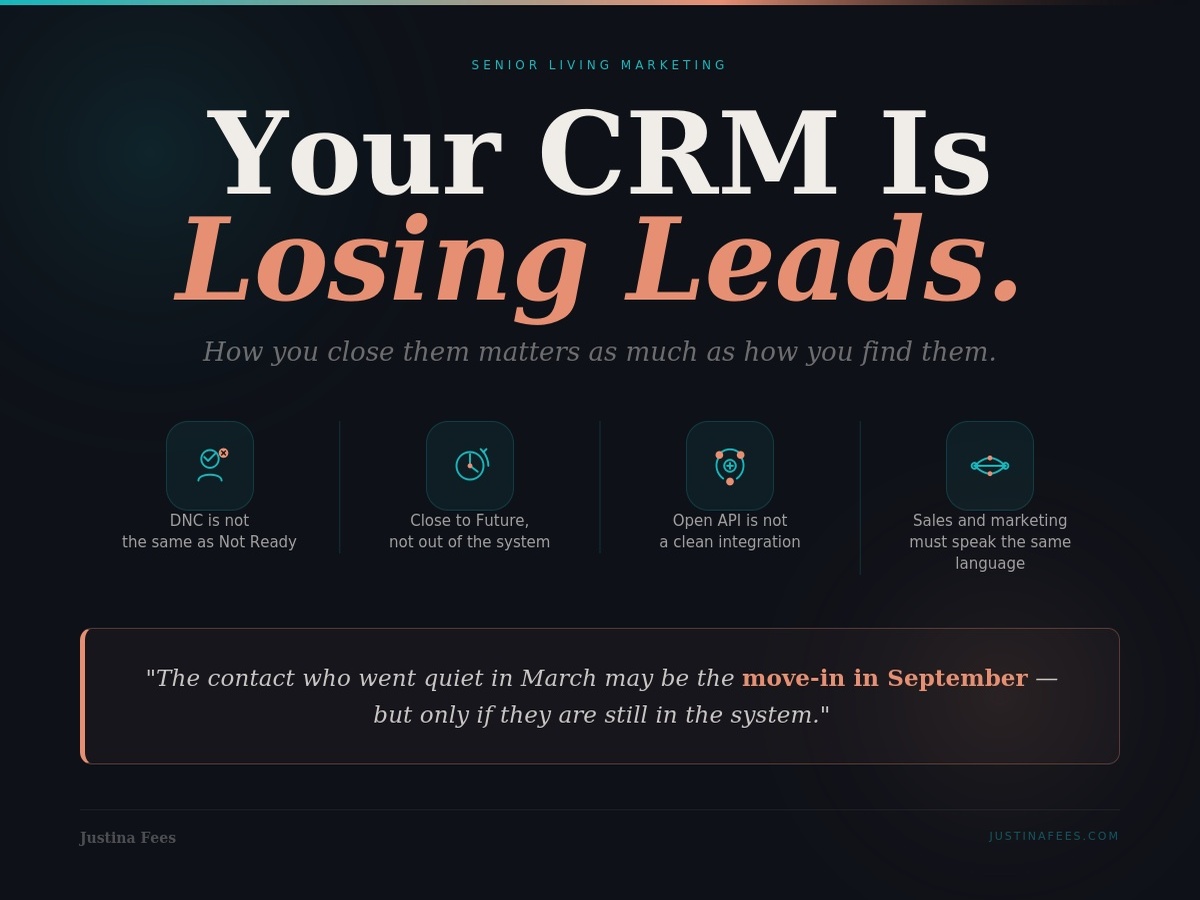
The broader point is that an open API is not the same as a good integration. A platform advertising API access means the connection is theoretically possible. It does not mean the integration is easy, reliable, or maintained. Before assuming two platforms work together, it is worth asking what data actually flows between them, in which direction, and how often it syncs.
The Lead Disposition Problem
This is where most CRM setups quietly break down.
Lead disposition, the way a contact gets marked when the active follow-up period ends, sounds like a small administrative detail. It is not. It determines which contacts stay in the marketing ecosystem and which ones disappear permanently.
The most common dispositions used across senior living CRMs look something like this: Not Interested, Do Not Contact, Moved In, Deceased, and some version of Future or Long-Term.
The problem is not the categories themselves. The problem is how they get used.
When a contact goes quiet, when they stop responding to calls, when they seem cold, the instinct is often to mark them Not Interested or Do Not Contact and move on. It is a clean close. It clears the pipeline. It makes the active lead count look more manageable.
But there is a significant difference between someone who has explicitly asked not to be contacted and someone who simply is not ready right now.
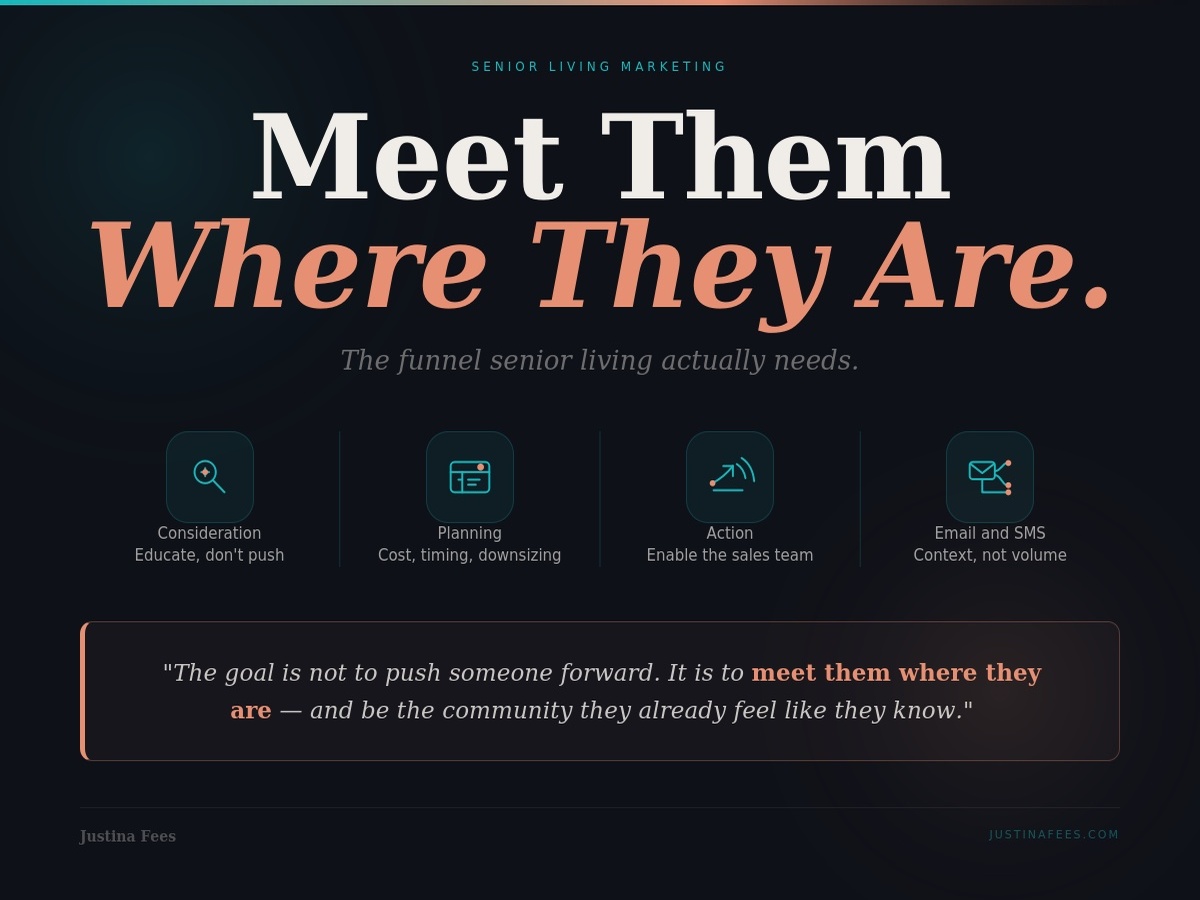
As covered in The Funnel Senior Living Actually Needs, a meaningful portion of leads in this space are in the denial phase. They filled out the form. They downloaded the guide. They have a real email address but a placeholder name and no phone number. They are not disinterested. They are not ready. And closing them as Do Not Contact cuts off any future marketing touchpoint permanently.
If a contact has viable information, even just a valid email address, they belong in a Future or Long-Term bucket, not in a terminal disposition. That distinction keeps them eligible for a re-engagement campaign down the road. It preserves the relationship, thin as it may be, rather than ending it administratively.
This is not about inflating lead counts. It is about recognizing that in a low-velocity vertical with long decision cycles, the contact who went quiet in March may be the move-in in September. But only if they are still in the system.
A future post will go deeper into how to structure these re-engagement campaigns and how to build the segments that make them work. But the setup decision that enables all of that is the one that happens right now, when someone goes quiet and a disposition gets assigned.
Sales and Marketing Alignment: The Real Setup Problem
Platform selection matters. Integration depth matters. Lead disposition matters.
But none of it matters as much as whether the sales team and the marketing function are actually working from the same understanding of what the system is supposed to do.
This is not a training issue. And it is not a technology issue. It is a communication issue.
The CRM setup conversation almost always happens between an implementation team and whoever is responsible for the software contract. It rarely involves the sales counselors who will use it every day. It rarely involves the marketing team or agency that will be responsible for the leads going into it. And it rarely involves a shared conversation about what a good lead looks like, what the handoff should feel like, and what happens when something falls through the cracks.
The result is a system that works for whoever set it up and creates friction for everyone else.
The alignment conversation is simple to describe and genuinely hard to have. It involves sales and marketing agreeing on a few foundational things.
What does a qualified lead look like? Not in theory, but in practice. What information does a contact need to have before it gets passed to a sales counselor for active follow-up?
What does a good handoff look like? What context should the sales team have before they make the first call? Where does that context live, and how does it get there?
What happens to leads that are not ready? Who is responsible for them? What does the nurture sequence look like and who built it?
How are dispositions being used, and do sales and marketing agree on what each one means?
These are not complicated questions. But they require a conversation that most organizations skip in favor of getting the platform live.
On the sales training side, that is a separate discipline and not something covered here. If the sales team needs support on process, methodology, or how to work leads through a long decision cycle, the team at Austera Group does that work well and is worth reaching out to.
Start With an Audit, Not an Implementation
The instinct when a CRM feels broken is to replace it.
Sometimes that is the right call. But more often, the platform is not the problem. The setup is. Or the habits that developed around the setup. Or the fact that nobody ever went back to look at what the system was actually doing versus what everyone assumed it was doing.
Before adding a new platform, switching CRMs, or layering in another integration, the more useful starting point is an audit.
Pull the disposition breakdown. What percentage of leads are sitting in each category? Are there large pools of contacts in terminal dispositions that might actually belong somewhere else?
Look at the lead sources. Are they being tracked consistently? Do the sales team and the marketing team agree on where leads are coming from?
Read the automated communications. Does the email sequence that fires when someone fills out a form still make sense? Does it reflect the community accurately? Does it sound like something a real person would send?
Check the handoff. When a lead moves from marketing-owned to sales-active, what information actually transfers? Is the sales team getting context or just a name and a phone number?
Look for the gaps. Where are leads going quiet? At what point in the process does the system stop having useful information about what is happening?
The answers to those questions tell you more about what needs to change than any product demo ever will.
The CRM Is a Tool. The System Is the People.
The best CRM setup in the world does not close leads.
People do.
The platform creates the conditions. It surfaces the right contact at the right time. It keeps the history visible. It makes the handoff cleaner. It keeps the marketing funnel running while the sales team focuses on the relationships that are ready.
But it only does any of that well when the people using it understand why the setup decisions were made, agree on how dispositions get used, and are actually talking to each other about what is working and what is not.
That last part is the one that gets skipped most often. And it is the one that matters most.
If any of this sounds familiar, let’s talk.